
Accessories - Mac
-

APPLE Mac Accessories
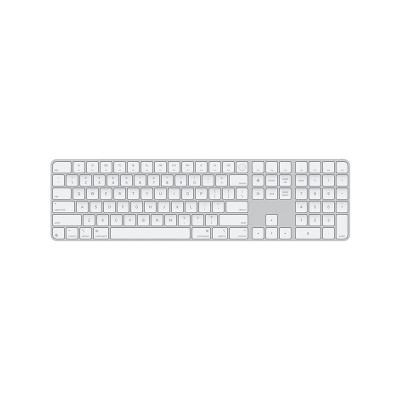
Magic Keyboard with Touch ID and Numeric Keypad (USB-C) for Apple silicon Mac - US English - White$239.00- Touch ID and Numeric Keypad
- Includes a woven USB-C Charge Cable
- Size and Weight:
Height: 0.41–1.09 cm
Width: 41.87 cm
Depth: 11.49 cm
Weight: 0.369 kg -
APPLE Mac Accessories
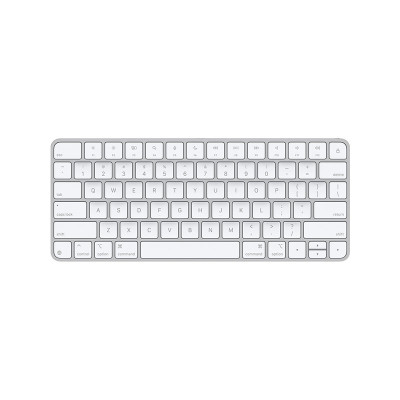
Magic Keyboard (USB-C) - US English$129.00- Wireless and rechargeable
- Includes a woven USB-C Charge Cable
- Size and Weight:
Height: 0.41–1.09 cm (0.16–0.43 inches)
Width: 27.89 cm (10.98 inches)
Depth: 11.49 cm (4.52 inches)
- Weight: 0.239 kg (0.53 pounds)* -
APPLE Mac Accessories
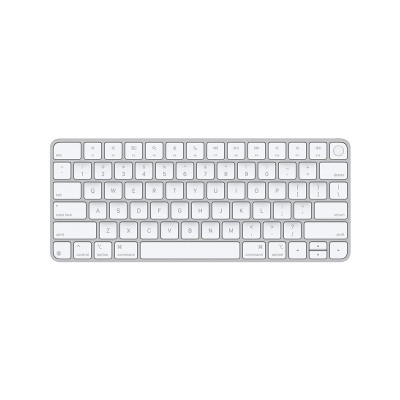
Magic Keyboard with Touch ID (USB-C) for Apple silicon Mac - US English$199.00- Available with Touch ID
- Includes a woven USB-C Charge Cable
- Size and Weight:
Height: 0.41–1.09 cm
Width: 27.89 cm
Depth: 11.49 cm
Weight: 0.243 kg -
APPLE Earpods (3.5mm Headphone Plug)
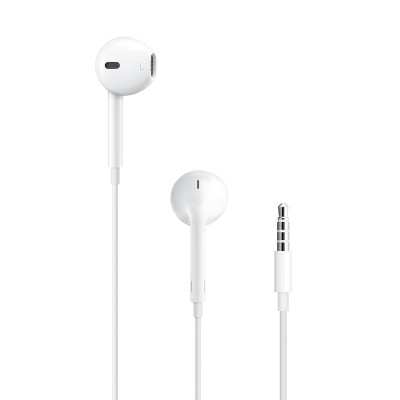
Earpods (3.5mm Headphone Plug)$29.00- Deep; rich bass tones
- Protection from sweat and water
- Control music and video playback
- Answer and end calls -
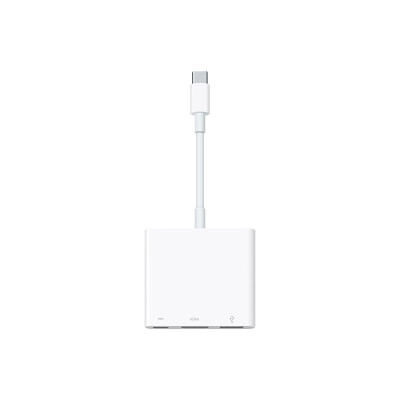
APPLE Cable & Adapter
USB-C Digital AV Multiport Adapter$89.00- Connect your USB-C—enabled Mac; iPad or iPhone
to an HDMI display; while also connecting a
standard USB device and a USB-C charging cable.
- Mirror your USB-C—enabled Mac; iPad or iPhone to
your HDMI-enabled TV or display. -
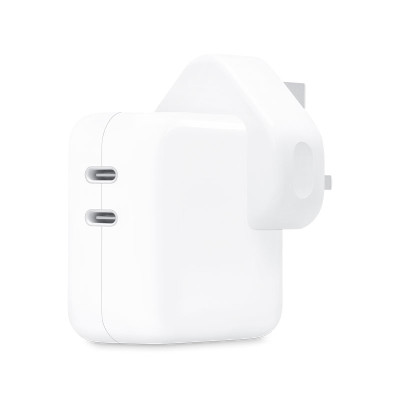
APPLE Cable & Adapter
35W Dual USB-C Power Adapter$79.00- Charge two devices at the same time; whether
you’re at home; in the office or on the go.
- Charging cable sold separately. -
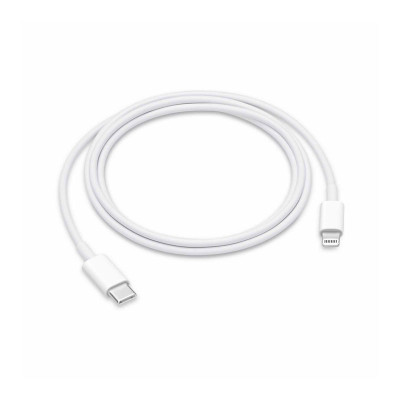
APPLE Cable & Adapter
USB-C to Lightning Cable (1m)$29.00- Connect your device with Lightning connector to
your USB-C– or Thunderbolt 3 (USB-C)–enabled
device for syncing and charging; or to your USB-C
enabled iPad for charging.
- Use this cable with your Apple 18W; 20W; 29W;
30W; 61W; 87W or 96W USB‑C Power Adapter
to charge your iOS device and even take
advantage of the fast-charging feature on
selected iPhone and iPad models. -
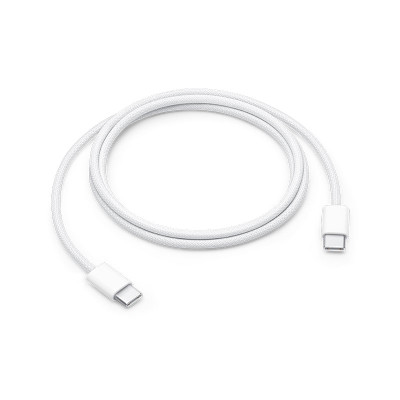
APPLE Cable & Adapter
60W USB-C Charge Cable (1m)$29.00- Made with a woven design
- Ideal for charging; syncing and transferring
data between USB-C devices.
- Supports charging of up to 60 watts and
transfers data at USB 2 rates.
- USB-C power adapters sold separately. -
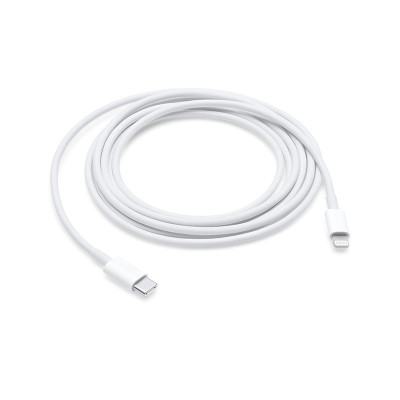
APPLE Cable & Adapter
USB-C to Lightning Cable (2m)$45.00- Connect your device with Lightning connector to
your USB-C– or Thunderbolt 3 (USB-C)–enabled
device for syncing and charging; or to your USB-C
enabled iPad for charging.
- Use this cable with your Apple 18W; 20W; 29W;
30W; 61W; 87W or 96W USB‑C Power Adapter to
charge your iOS device and even take advantage
of the fast-charging feature on select iPhone and
iPad models. -
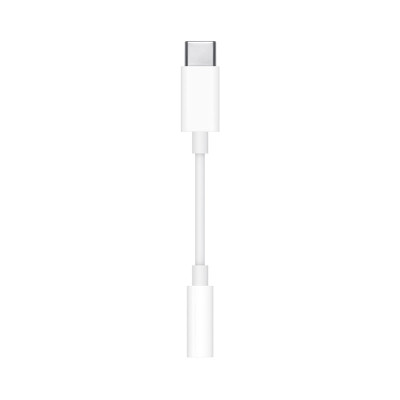
APPLE Cable & Adapter
USB-C to 3.5 mm Headphone Jack Adapter$15.00- Connect devices that use a standard 3.5mm audio
— like headphones or speakers — to your USB-C
devices. -
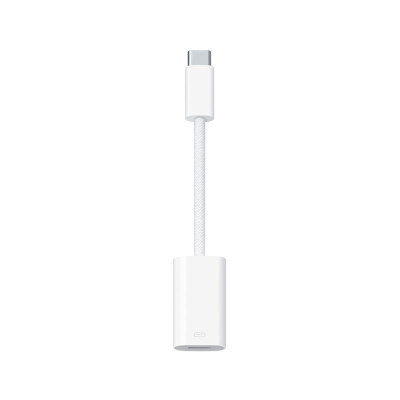
APPLE Cable & Adapter
USB-C to Lightning Adapter$45.00- Connect your Lightning accessories to a USB-C
enabled iPhone or iPad to conveniently provide
three key functions — charging; data and audio —
with a single adapter.
- Braided cable for added durability.
- Supports connection to most cars; including
those that work with CarPlay. -
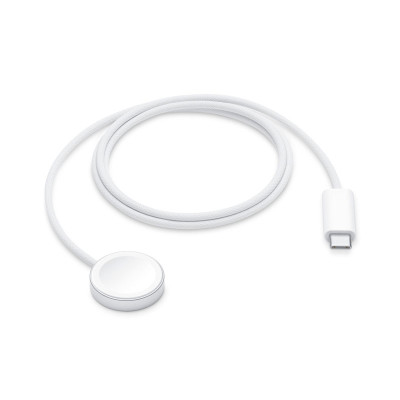
APPLE Watch Accessories
Watch Magnetic Fast Charger to USB-C Cable (1m)$39.00- Durable; woven cable with fast-charging
capabilities for selected Apple Watch models.
- Simply hold the connector near the back
of the watch; where magnets cause it to snap
into place automatically.
Shop By
My Wish List
Last Added Items
You have no items in your wish list.

Remind me later